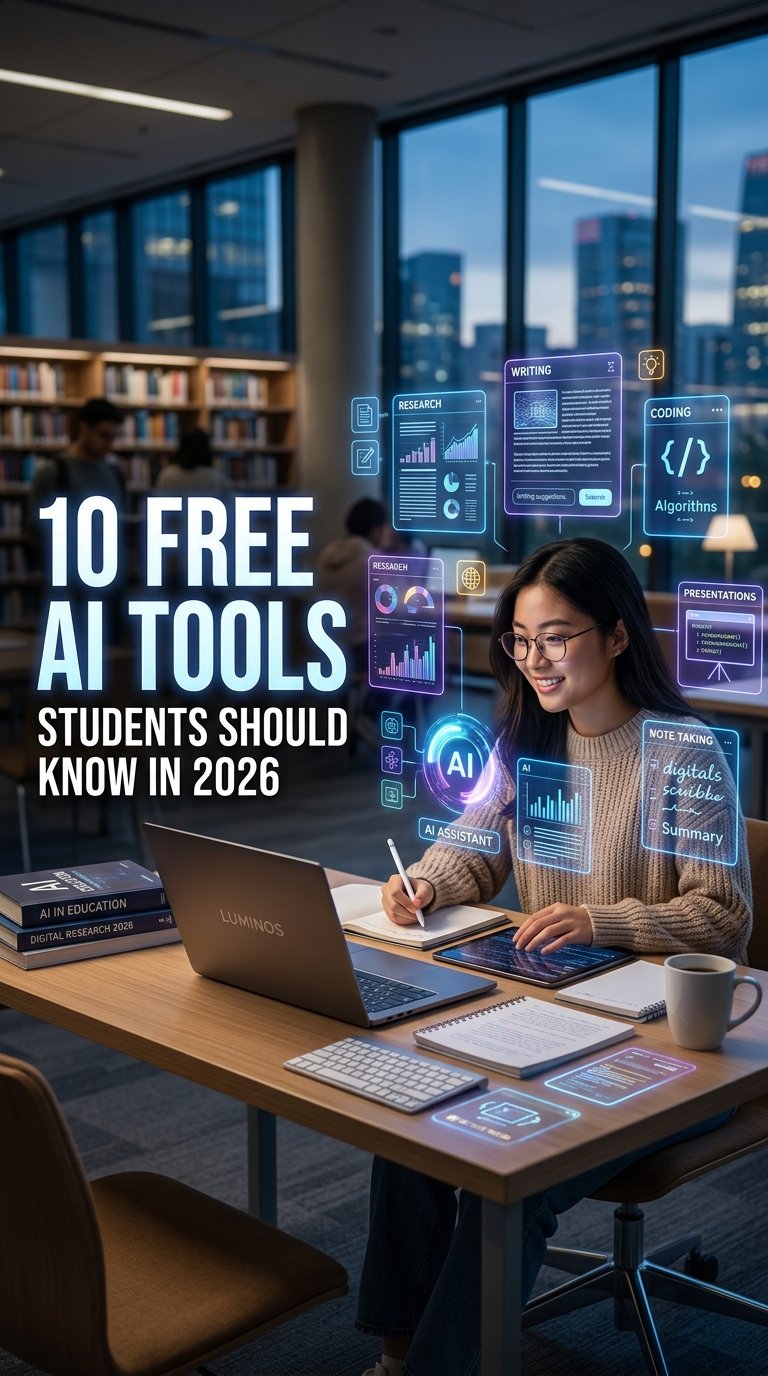
Artificial intelligence has quickly become one of the most useful technologies for students. In 2026, students can use free AI tools to understand difficult subjects, summarize lengthy readings, improve writing, research academic topics, create presentations, practice for exams, and even learn programming.
The important point is not to use AI simply to complete assignments. The most effective approach is to use these tools as learning assistants that help us understand concepts, organize information, identify mistakes, and study more efficiently.
Below are 10 free AI tools students should know in 2026, along with practical ways we can use each one for school, college, university, and independent learning.
1. ChatGPT — Best All-Purpose AI Study Assistant
ChatGPT remains one of the most versatile free AI tools for students. We can use it for explanations, brainstorming, writing assistance, coding, mathematics, revision, language learning, and exam preparation.
One particularly useful feature for students is Study Mode. Instead of simply providing an answer, Study Mode can guide us through a problem step by step, ask questions, check our understanding, and create practice questions. OpenAI says Study Mode is available globally across ChatGPT plans.
For example, instead of asking:
“Give me the answer to this physics problem.”
We can ask:
“Teach me how to solve this physics problem step by step. Don’t give me the final answer until I attempt it.”
This approach turns ChatGPT from an answer generator into a personal study tutor.
Best for: explanations, homework practice, coding, brainstorming, revision, and exam preparation.
2. Google Gemini — Research, Writing, and Study Help
Google Gemini is another powerful AI assistant that students can access without immediately paying for a premium subscription. It is particularly useful for students who already use Google’s ecosystem, including Google Docs, Gmail, Drive, and other Google services.
Gemini can help us understand difficult topics, brainstorm assignment ideas, improve writing, prepare presentations, create interview questions, and organize study material.
Google’s current student resources also highlight applications such as presentation improvement, resume preparation, interview practice, and study assistance.
Google has also introduced Gemini Notebook, a free AI study and research tool designed around the material we provide. It can generate summaries, study guides, quizzes, and other learning resources while grounding responses in uploaded course materials.
Best for: research, writing, Google Workspace users, study preparation, and working with course materials.
3. Gemini Notebook — Turn Notes Into a Personal Study Guide
Formerly known as NotebookLM, Gemini Notebook is especially useful when we already have lecture notes, PDFs, articles, or other course materials.
Instead of asking a general AI about a topic and hoping it understands our syllabus, we can provide our own sources and ask questions based specifically on those materials.
For example, we can upload lecture notes and ask:
- Create a chapter-by-chapter summary.
- Identify the most important concepts.
- Generate 20 multiple-choice questions.
- Create flashcards for revision.
- Explain the difficult sections in simple language.
- Compare two theories from the uploaded material.
Google describes Gemini Notebook as being grounded in the information provided by the user, with inline citations designed to make the generated information easier to verify.
This makes it particularly valuable before midterms, finals, presentations, and academic discussions.
Best for: PDFs, lecture notes, textbooks, research material, summaries, quizzes, and exam revision.
4. Perplexity — AI Research With Sources
When we need to research a topic online, Perplexity can be a useful alternative to a traditional search engine.
One of its biggest advantages is its focus on providing answers alongside sources and citations. This can make it easier for students to discover relevant webpages and then investigate the original material.
For academic work, we should still open and verify the original sources rather than copying an AI-generated response directly into an assignment.
A useful workflow is:
- Search the topic in Perplexity.
- Identify the most relevant sources.
- Open the original sources.
- Read the evidence ourselves.
- Take notes.
- Use those verified sources when preparing the final assignment.
Best for: online research, discovering sources, current information, and research brainstorming.
5. Claude — Long Documents and Writing Assistance
Claude is another AI assistant that can be useful for students, particularly when working with lengthy documents or complex writing.
We can use it to brainstorm essay structures, analyze provided material, explain difficult concepts, review writing, and help organize large amounts of information.
Instead of asking an AI to write an entire essay that we submit unchanged, a better approach is to use it as an editor and tutor.
For example:
“Review my essay and identify weak arguments, unclear sentences, unsupported claims, and areas that need better evidence.”
This gives us feedback that we can use to improve our own work.
Best for: writing feedback, long documents, brainstorming, analysis, and editing.
6. Grammarly — Improve Academic Writing
Strong ideas can lose their impact when writing contains unnecessary grammar mistakes, unclear sentences, or awkward wording.
Grammarly can help students improve written communication by identifying common grammar, spelling, punctuation, clarity, and style issues.
We can use it when preparing:
- Essays
- Emails to professors
- Scholarship applications
- Resumes
- Cover letters
- Reports
- Presentations
- Research drafts
The goal should be to understand the corrections rather than blindly accepting every suggestion.
For example, if Grammarly identifies a sentence as unclear, we can examine why it is unclear and rewrite it ourselves.
Best for: grammar, spelling, clarity, proofreading, and professional writing.
7. Wolfram Alpha — Mathematics and Science
Students studying mathematics, physics, engineering, statistics, and other STEM subjects can benefit from computational tools such as Wolfram Alpha.
Instead of relying only on an AI chatbot for numerical calculations, students can use a computational engine to evaluate equations, explore mathematical concepts, and check calculations.
This is particularly useful when we are learning subjects involving:
- Algebra
- Calculus
- Statistics
- Graphs
- Equations
- Physics calculations
- Mathematical functions
The best strategy is to first attempt the problem ourselves and then use computational tools to check the result and understand the method.
Best for: mathematics, calculations, equations, statistics, and STEM learning.
8. Canva — AI-Powered Presentations and Visual Learning
Students frequently need to create presentations, posters, diagrams, social graphics, project covers, and educational visuals.
Canva provides an accessible way to create these materials without requiring advanced graphic-design skills.
We can use Canva to develop:
- PowerPoint-style presentations
- Infographics
- Educational posters
- Research presentation graphics
- Timelines
- Mind maps
- Social-media visuals
- Project covers
AI-assisted features can speed up the initial creation process, but we should always check the generated information and customize the final design.
A good presentation is not simply a collection of AI-generated slides. It should have a clear structure, readable text, accurate information, and visuals that support the subject.
Best for: presentations, infographics, posters, diagrams, and visual projects.
9. QuillBot — Summarizing and Reworking Text
QuillBot can be useful when students need help understanding or restructuring existing text.
For example, after reading a difficult academic paragraph, we can use summarization features to identify the central idea. We can also use writing tools to improve clarity and restructure sentences.
However, paraphrasing tools should not be used to disguise copied material. Academic sources should still be properly cited according to the requirements of the institution or instructor.
A productive workflow is to read the original source, understand it, take our own notes, and then use writing tools to improve the clarity of our own draft.
Best for: summarization, rewriting, grammar assistance, and improving clarity.
10. Notion — AI-Assisted Notes and Student Organization
Students often struggle not because they lack information, but because their information is scattered across notebooks, PDFs, screenshots, messaging apps, and different documents.
Notion can help organize notes, projects, tasks, study plans, and knowledge into one workspace. Its AI features can assist with summarization, organization, brainstorming, and working with written information.
We can create separate areas for each subject and organize:
- Lecture notes
- Assignment deadlines
- Revision plans
- Project tasks
- Research notes
- Reading lists
- Exam preparation
- Important links
The biggest benefit comes from creating a consistent system rather than simply collecting another productivity application.
Best for: note-taking, organization, project planning, study management, and knowledge organization.
Which Free AI Tool Should Students Use?
There is no need to install every AI application available. A simple combination can cover most student requirements.
| Student Task | Recommended AI Tool |
|---|---|
| Understanding difficult concepts | ChatGPT |
| Step-by-step learning | ChatGPT Study Mode |
| Google-based research and writing | Gemini |
| Studying from PDFs and notes | Gemini Notebook |
| Finding online sources | Perplexity |
| Long-form writing and analysis | Claude |
| Grammar and proofreading | Grammarly |
| Mathematics and calculations | Wolfram Alpha |
| Presentations and graphics | Canva |
| Notes and organization | Notion |
The best combination depends on the subject and the student’s workflow. We do not need ten subscriptions or ten different applications to study effectively.
How to Use AI Tools Without Becoming Dependent on Them
AI can save considerable time, but students should avoid turning every assignment into a copy-and-paste exercise.
A stronger method is the learn → practice → verify → improve approach.
First, use AI to understand the topic. Next, attempt the problem or assignment independently. Then use AI to identify mistakes or gaps in understanding. Finally, improve the work using verified information and our own reasoning.
For example, instead of asking an AI to write an entire essay, we can ask it to:
- Explain the topic.
- Suggest possible arguments.
- Help us create an outline.
- Identify questions that need research.
- Review our draft.
- Point out weak reasoning.
- Suggest areas that require stronger evidence.
This creates a much more valuable learning experience.
AI Academic Integrity: What Students Should Remember
Free AI tools are powerful, but students should always follow their school’s or university’s academic integrity policies.
We should not assume that everything generated by an AI tool is correct. AI systems can produce inaccurate information, outdated facts, fabricated references, or misleading explanations.
Before submitting academic work, we should:
- Verify important facts.
- Check original sources.
- Review citations.
- Understand the material ourselves.
- Follow our institution’s AI-use rules.
- Avoid submitting unedited AI-generated work as our own where prohibited.
- Never share confidential academic or personal information unnecessarily.
AI works best as a learning partner, not as a replacement for learning.
Final Thoughts
The best free AI tools for students in 2026 cover almost every part of the academic journey. ChatGPT can provide interactive explanations, Gemini can support research and productivity, Gemini Notebook can turn personal study materials into useful revision resources, Perplexity can help discover sources, Grammarly can improve writing, Wolfram Alpha can support STEM learning, and Canva can make presentations more engaging.
The biggest advantage does not come from using the largest number of AI tools. It comes from choosing the right tool for the right task.
When we combine AI with critical thinking, independent research, practice, and proper source verification, these tools can help us study more efficiently while still developing the skills that matter beyond the classroom.